My 9 Songs Grid Maker
Choose nine songs for a mood, season, or memory. Add cover images or text covers with the song and artist, then arrange the tracks in your own order.
Free PNG export · No account needed
Your picks
Your uploaded images stay on this device.
Opening your draft…
Live poster preview
Customize your poster
Updating preview…
Six poster styles for your nine
Explore six finished designs with original sample artwork. Choose one to apply it to your grid.
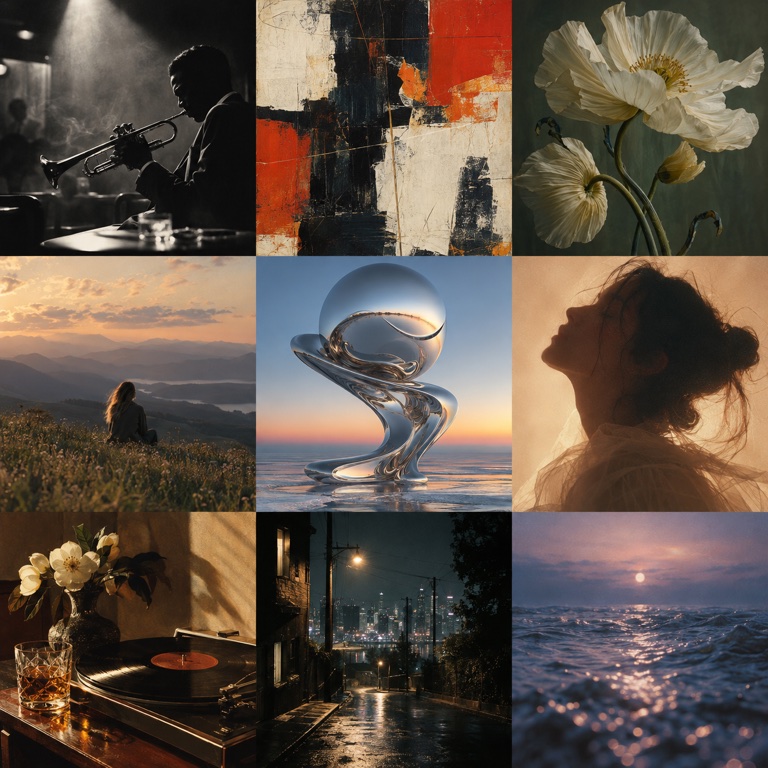
My 9 Songs 3×3 grid example
See how nine items can look together in one grid.
How to make your poster
Choose your nine
Add up to nine songs. Upload an image for each one or create a text cover.
Arrange your grid
Reorder tiles, adjust each crop, and add labels or choose a style if you like.
Download and share
Choose a square or portrait layout, then download the PNG or share it from a supported browser.
Ideas for My 9 Songs
Use these prompts to choose what belongs in your nine tiles.
A song for a long drive
A track tied to a memory
Your current repeat
Questions about your poster
What if I don’t have an image for one tile?
Create a text cover for that tile instead of adding an image.
Is this a music-service listening chart?
No. Choose the songs yourself and arrange them in a visual grid; it does not import listening rankings.