Social Poster Makers
Make a 9-grid for the albums, films, books, games, places, and small moments you love. Pick a theme, add your images, and make it yours.
Pick a theme for your nine
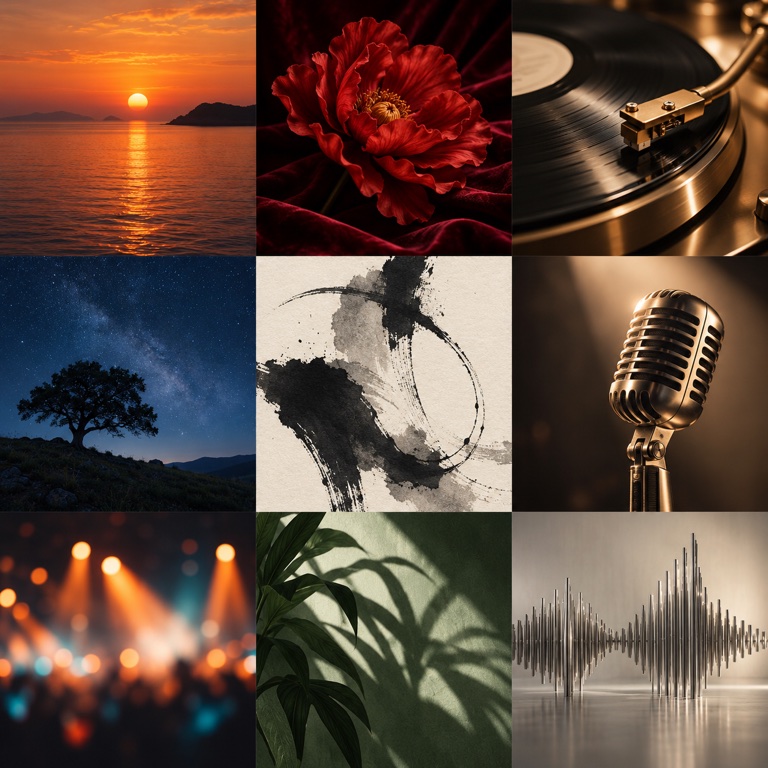
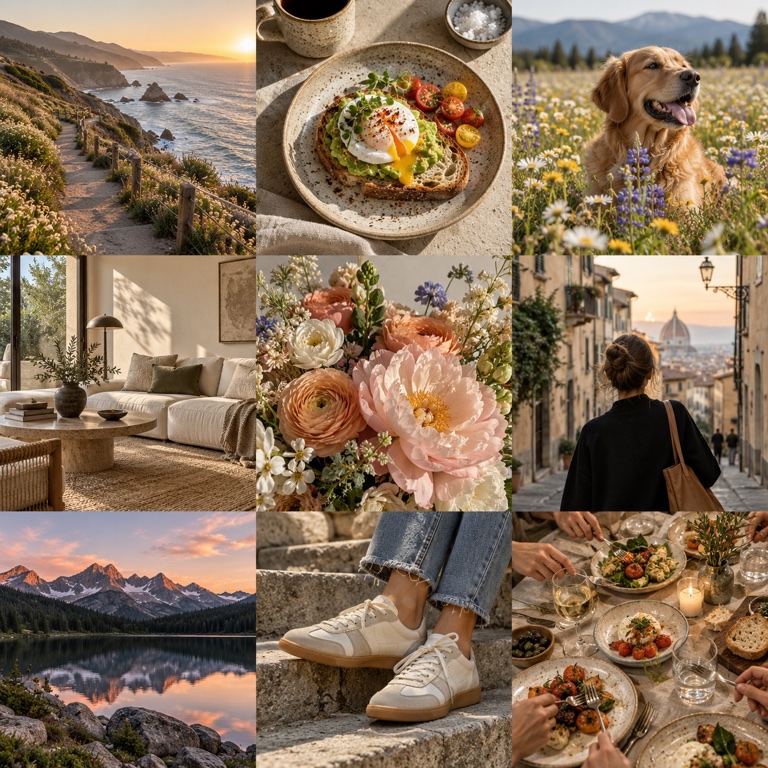
Choose a 9-grid workflow
Album posters: search by album or artist when available, then arrange nine covers in one design.
Photo collages: upload any nine images, adjust the crop and order, then export one 3×3 poster. This tool combines nine images; it does not split one.
Movies & TV
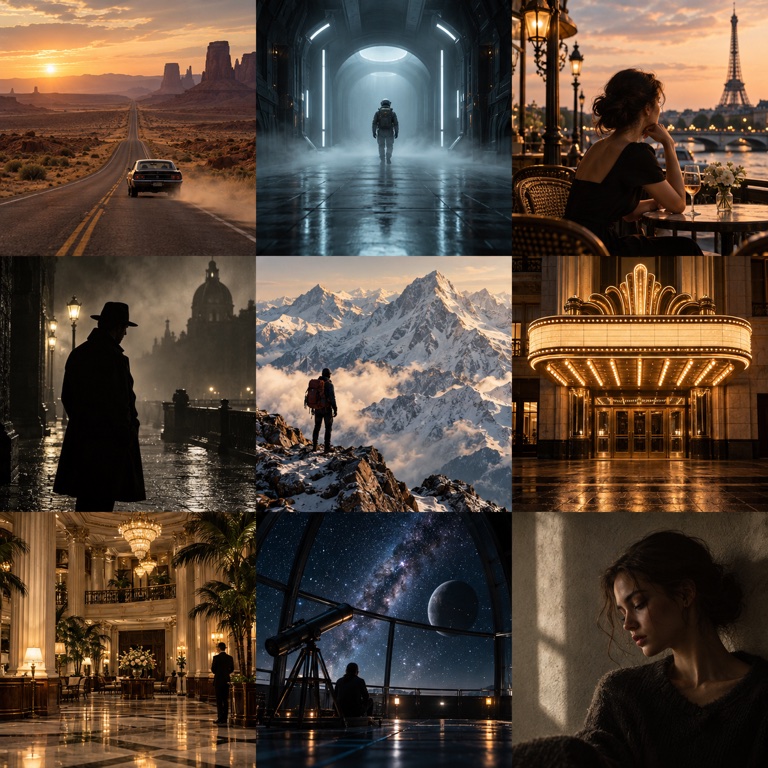
My 9 Movies
Search for a movie title, choose its poster, and add it to your nine. Rearrange your picks and download a shareable 3×3 grid.
Make this 9-grid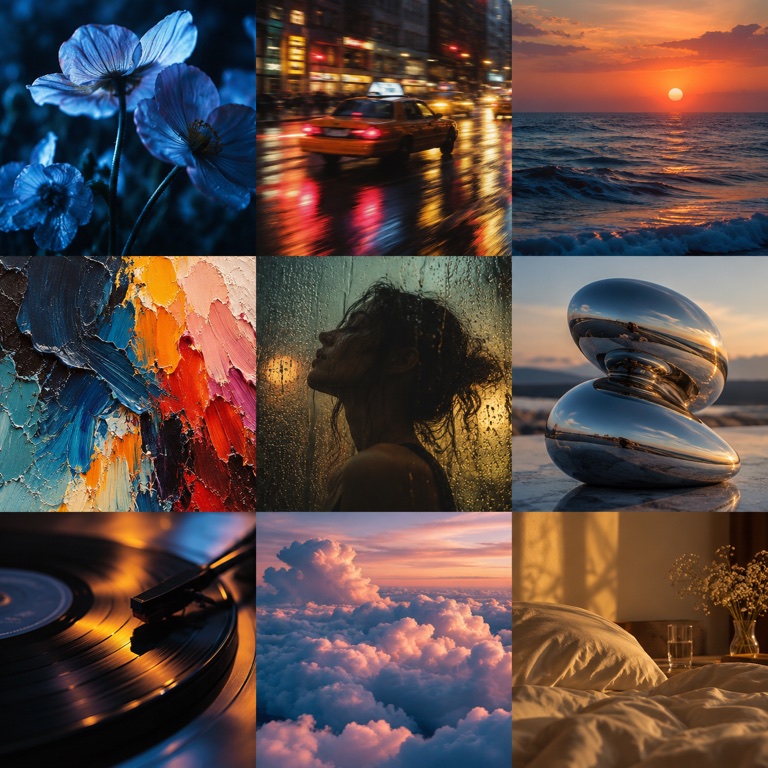
My 9 TV Shows
Pick nine series you’d rewatch, recommend, or quote. Add show images or text covers, then arrange the grid and adjust each crop.
Make this 9-grid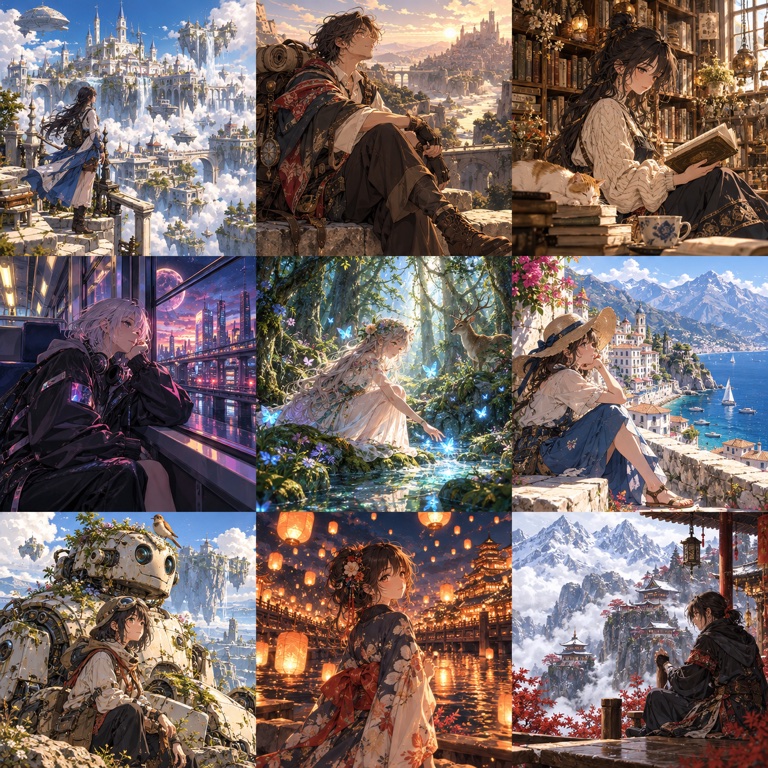
My 9 Anime
Choose nine anime series or films for your 3×3 grid. Add images or text covers, arrange the titles, and adjust the crop before you export.
Make this 9-gridBooks, Manga & Comics
My 9 Manga
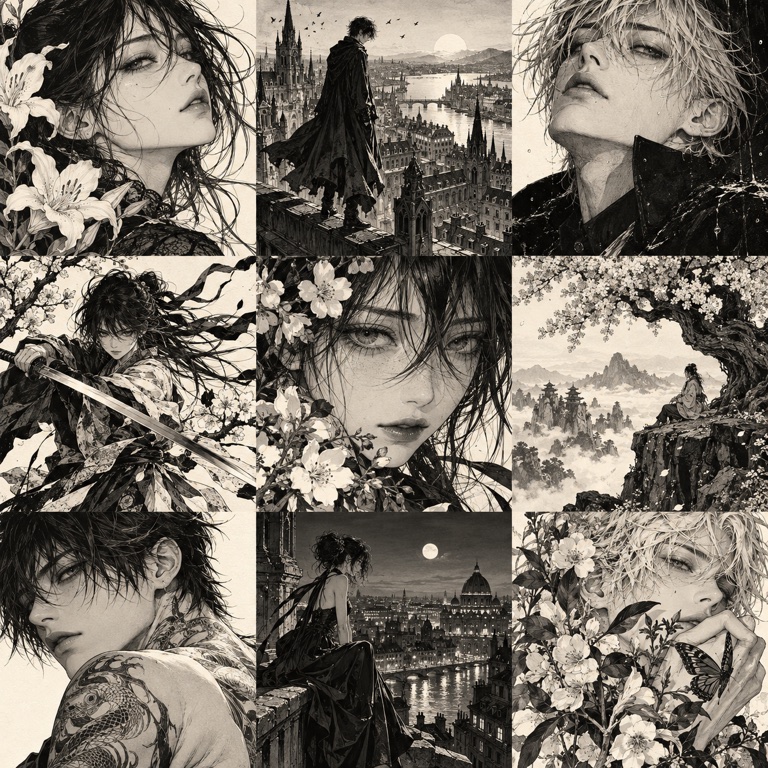
Bring together nine manga series, volumes, or memorable panels. Add the images you want to show, use text covers for missing art, and arrange your grid.
Make this 9-grid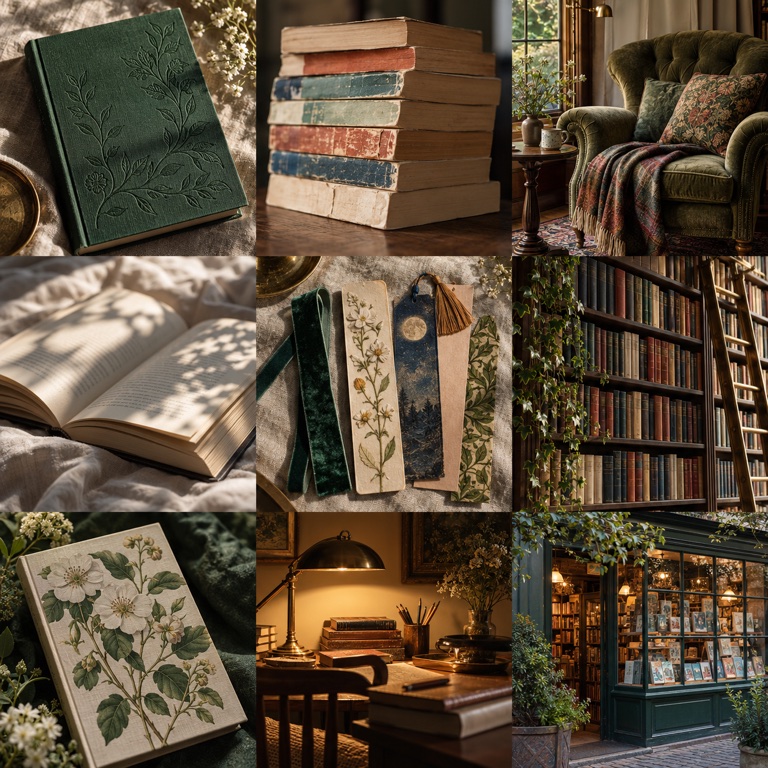
My 9 Books
Choose nine books that matter to you. Add their covers or create text covers for titles without an image, then arrange your reading shelf.
Make this 9-grid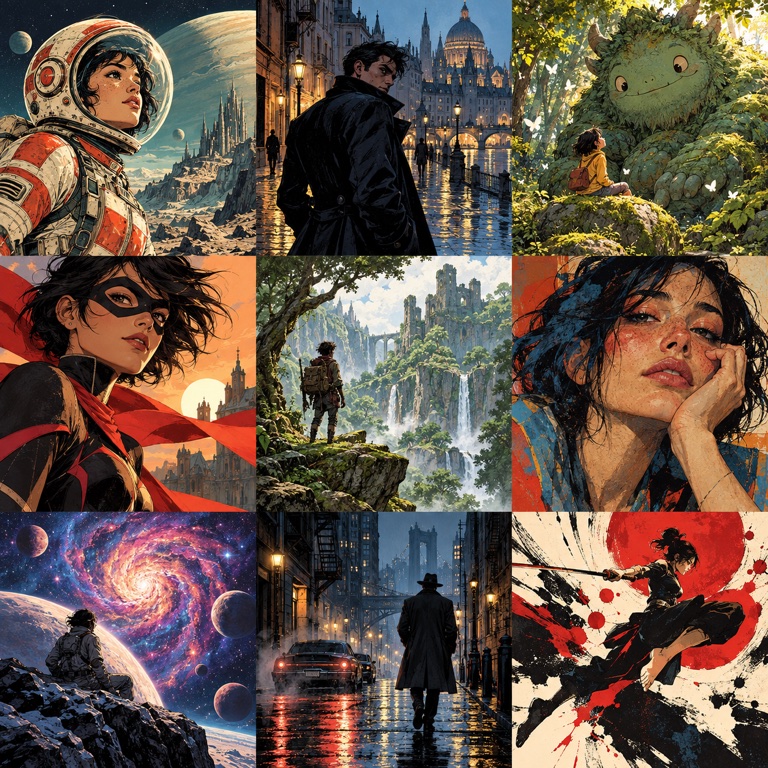
My 9 Comics
Build a grid of nine comics or graphic novels you love. Add their covers or memorable artwork, adjust the crop, and share your collection.
Make this 9-gridGames & Collectibles
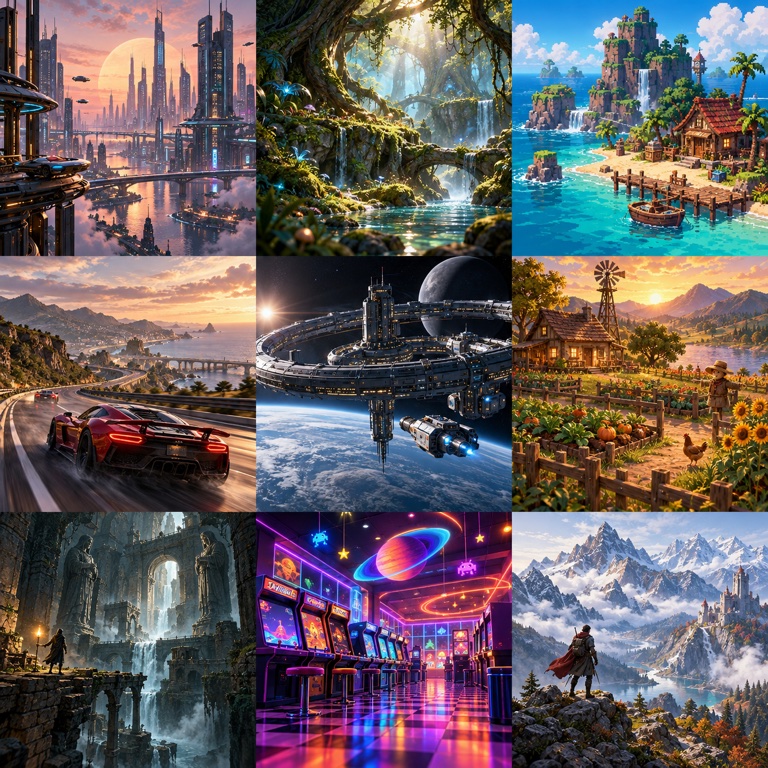
My 9 Games
Pick nine games from any era or platform. Add game images or text covers, arrange your favorites, and export a grid that tells your gaming story.
Make this 9-grid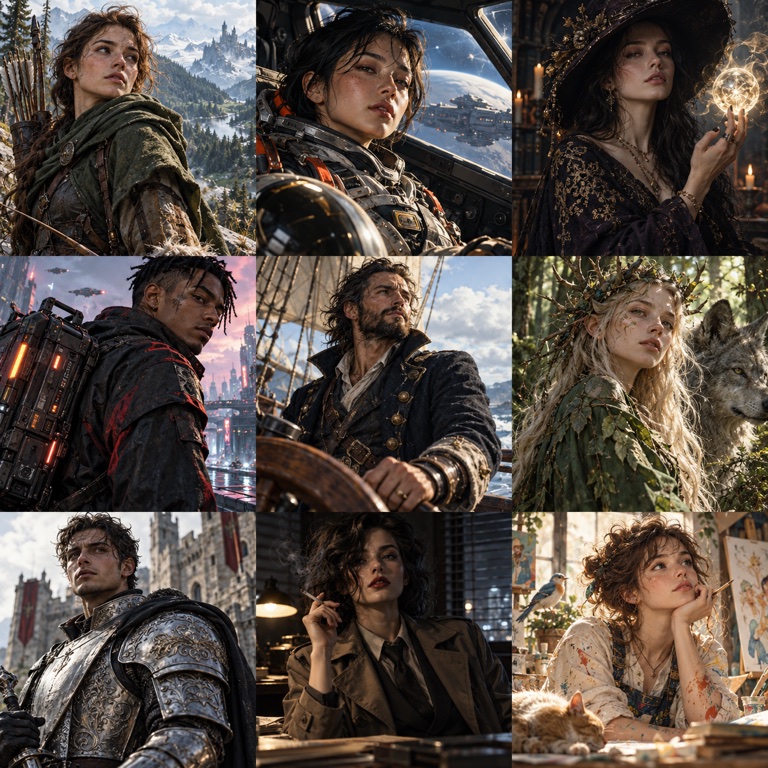
My 9 Characters
Choose nine fictional characters from any story or series. Add a picture or text cover for each one, then arrange the grid around the characters you remember most.
Make this 9-grid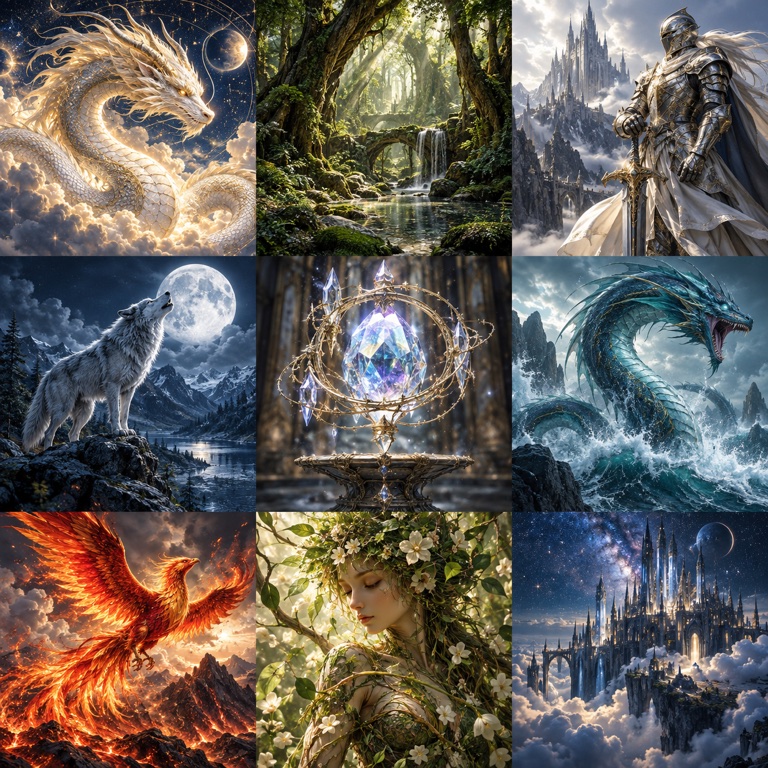
My 9 Trading Cards
Choose nine cards from your collection and add their images to the grid. Reorder the cards and adjust each crop to show the artwork you want people to notice.
Make this 9-gridMusic & Podcasts
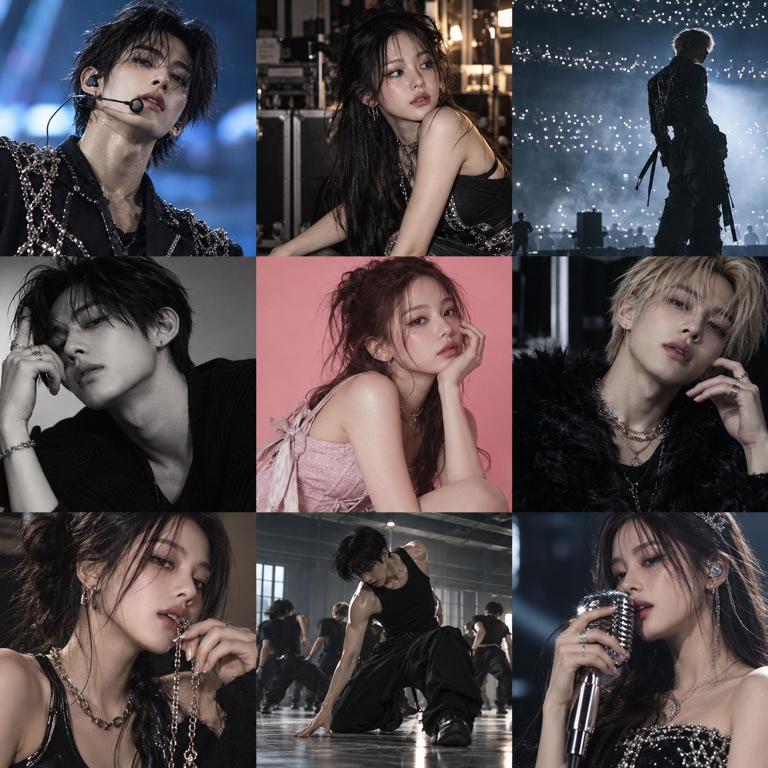
My 9 K-pop Idols
Make a nine-tile grid of the K-pop idols or performances you love. Add your images, choose the order, and crop each tile to focus on the moment you want to share.
Make this 9-grid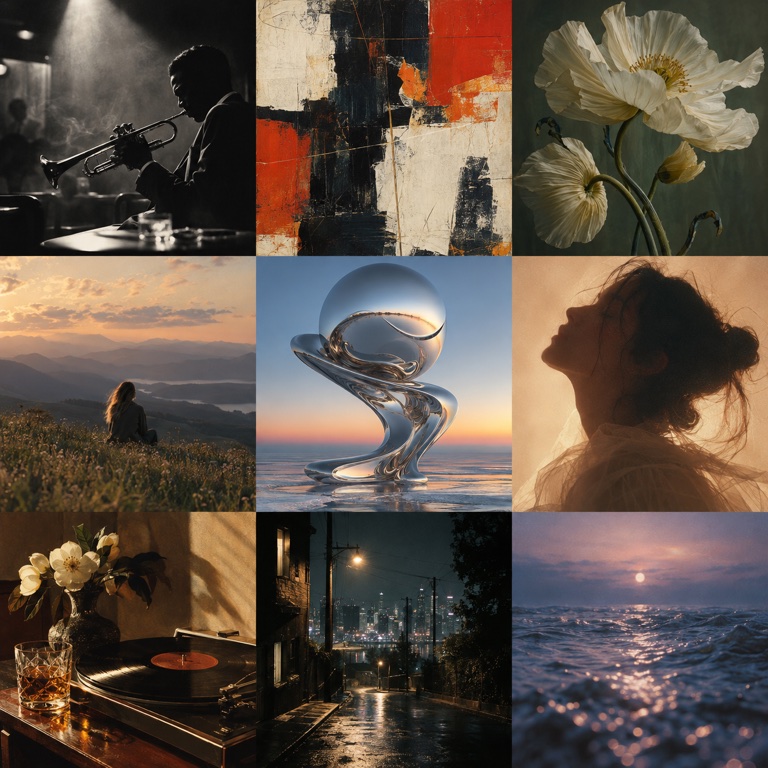
My 9 Songs
Choose nine songs for a mood, season, or memory. Add cover images or text covers with the song and artist, then arrange the tracks in your own order.
Make this 9-grid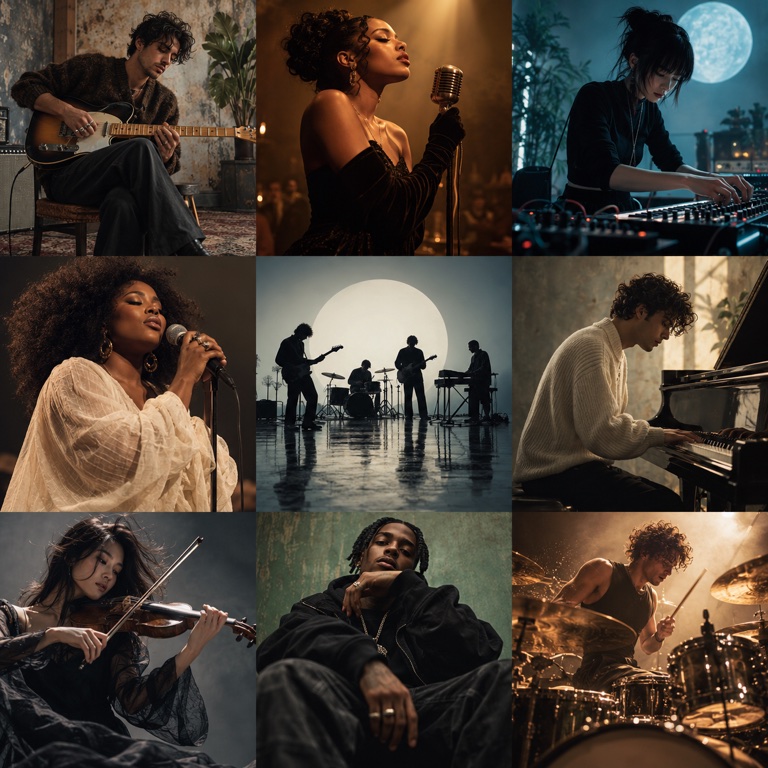
My 9 Artists
Bring together nine artists or bands that shaped your taste. Add portraits or text covers, arrange your selections, and share the sounds behind your story.
Make this 9-grid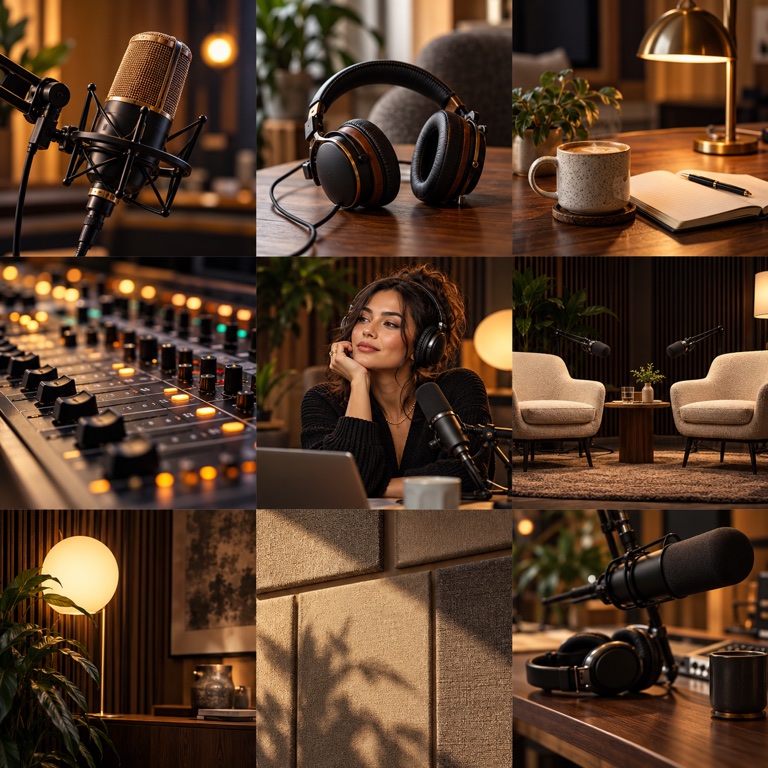
My 9 Podcasts
Make a grid of nine podcasts that keep you curious, laughing, or company. Add show or episode images, or use text covers, then arrange your listening list.
Make this 9-gridStyle, Food & Memories
My 9 Sneakers
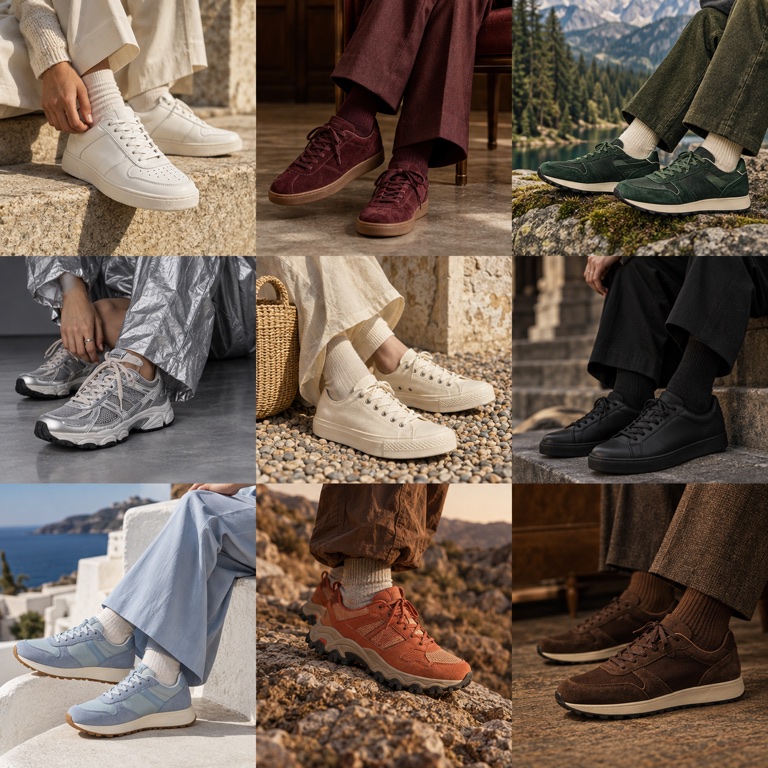
Show nine pairs from your rotation or collection. Add sneaker photos, arrange the pairs, and crop each image so the colorway and shape stay in view.
Make this 9-grid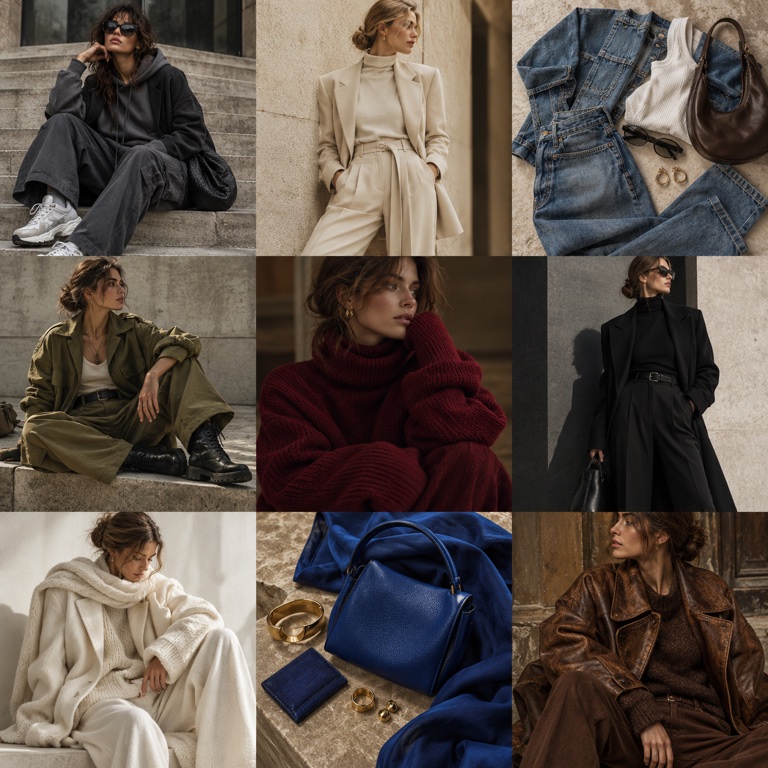
My 9 Outfits
Arrange nine outfit photos in one grid. Add everyday looks, special-occasion outfits, or styles you want to try, then crop each image to show the full look.
Make this 9-grid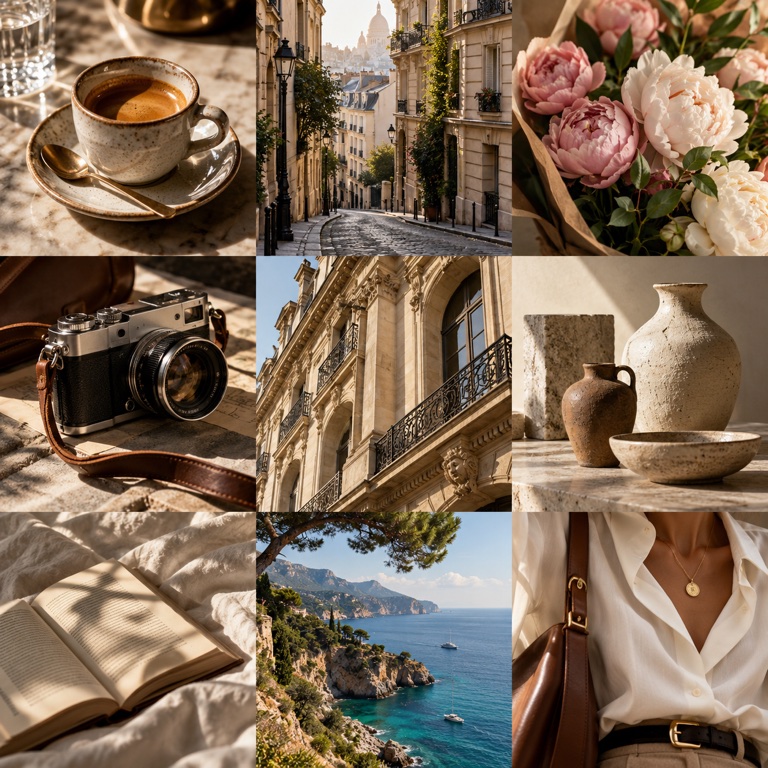
My 9 Favorite Foods
Collect nine dishes, ingredients, or places you love to eat. Add your photos or text covers, arrange them, and make a grid of your favorite food memories.
Make this 9-grid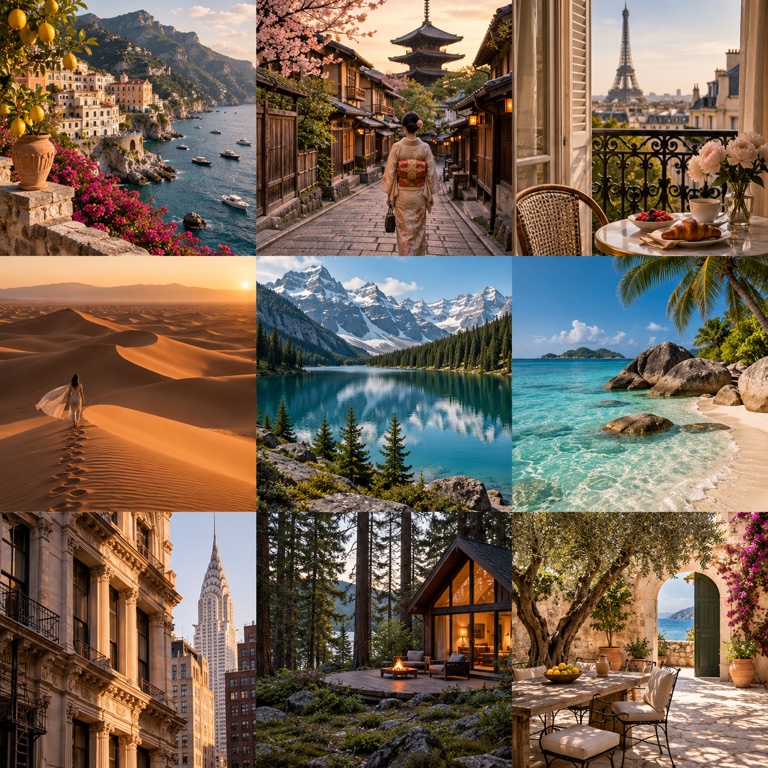
My 9 Travel Places
Bring nine places together in a travel photo grid. Use pictures from places you’ve visited, dream destinations, or somewhere you’d return to, then arrange your trip memories.
Make this 9-grid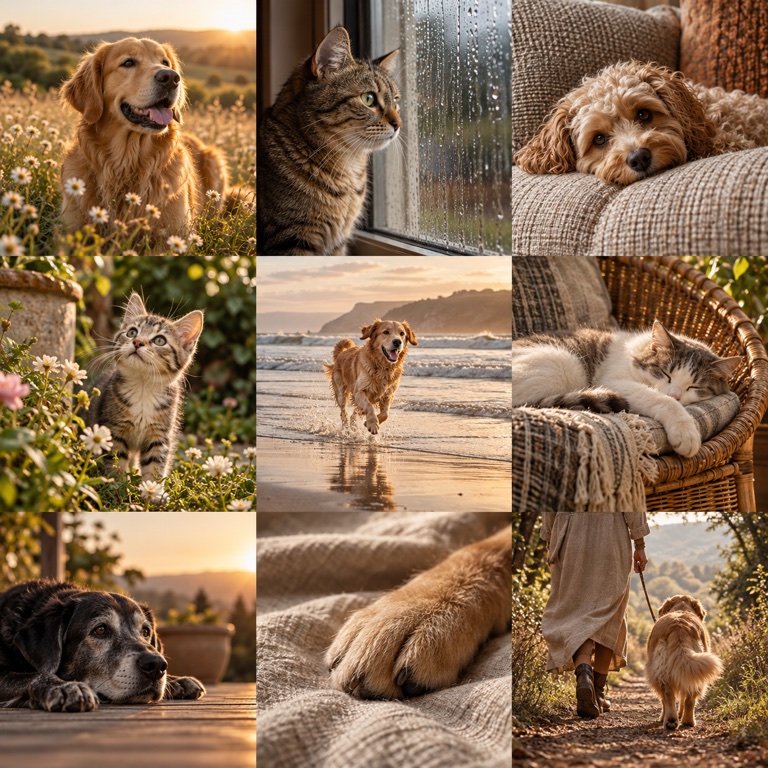
My 9 Pet Moments
Choose nine photos of your pet, from funny expressions to favorite nap spots. Arrange the pictures, adjust each crop, and share the finished grid.
Make this 9-grid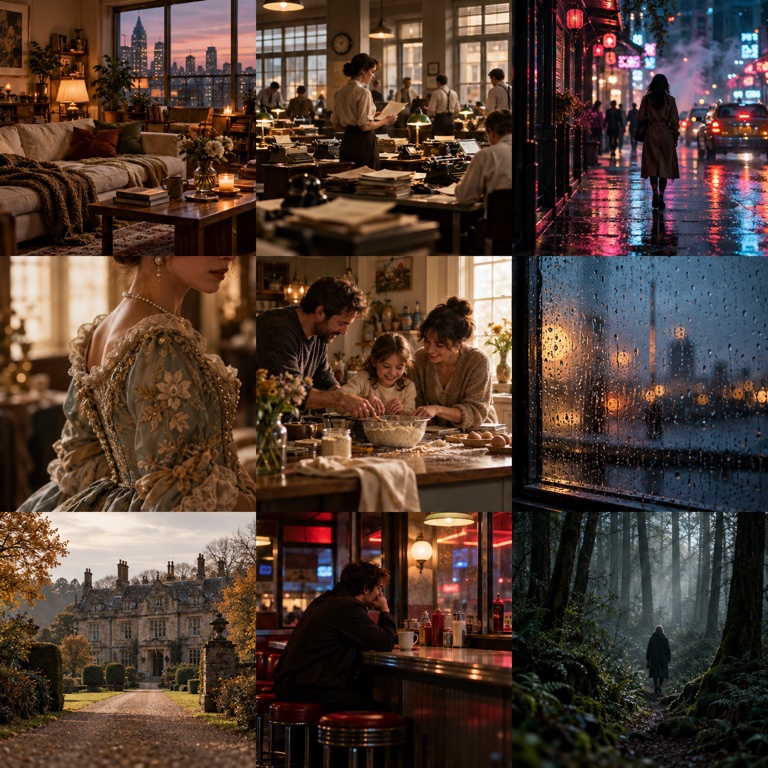
My 9 Memories
Keep nine meaningful moments together in one photo grid. Add your pictures or text covers, choose the order, and make a collage you can share.
Make this 9-gridHow to make your poster
Choose your nine
Upload nine images, or use album search when it is available. You can create a text cover for a missing image.
Make it yours
Set the order, adjust each crop, choose a poster style, and add your title and name.
Download and share
Download one PNG in portrait or square format. Supported browsers can open the device share menu.
Questions about your poster
Is the poster maker free?
You can make a poster and download a PNG without an account or payment.
Can I upload my own images?
Yes. Choose JPEG, PNG, or WebP images from your device. Each image can be up to 10 MB and 25 megapixels. Images are processed on your device.
Will my draft be saved?
When browser storage is available, your draft and images are saved in this browser. They are not synced to other devices. Clearing browser data can remove them.
Why can I not download yet?
All nine slots need a usable image or an intentional text cover. Replace any marked image and shorten text if requested.
Does the tool grant artwork rights?
No. Check the rights and permissions for any artwork or photos you plan to reuse. The tool does not grant rights to images you add.
How do I save the image on my phone?
Tap Download PNG and use your browser download options. If file sharing is supported, Share image opens the device share menu. Available save options depend on your browser and device.